Interest in family history looks different for different people. For some, parents and grandparents are enough. Others stay close to cousins, aunts and uncles. Others want to know who started the line in the first place. Tracing your own pedigree is the most direct route back to your origin.
What a family tree is
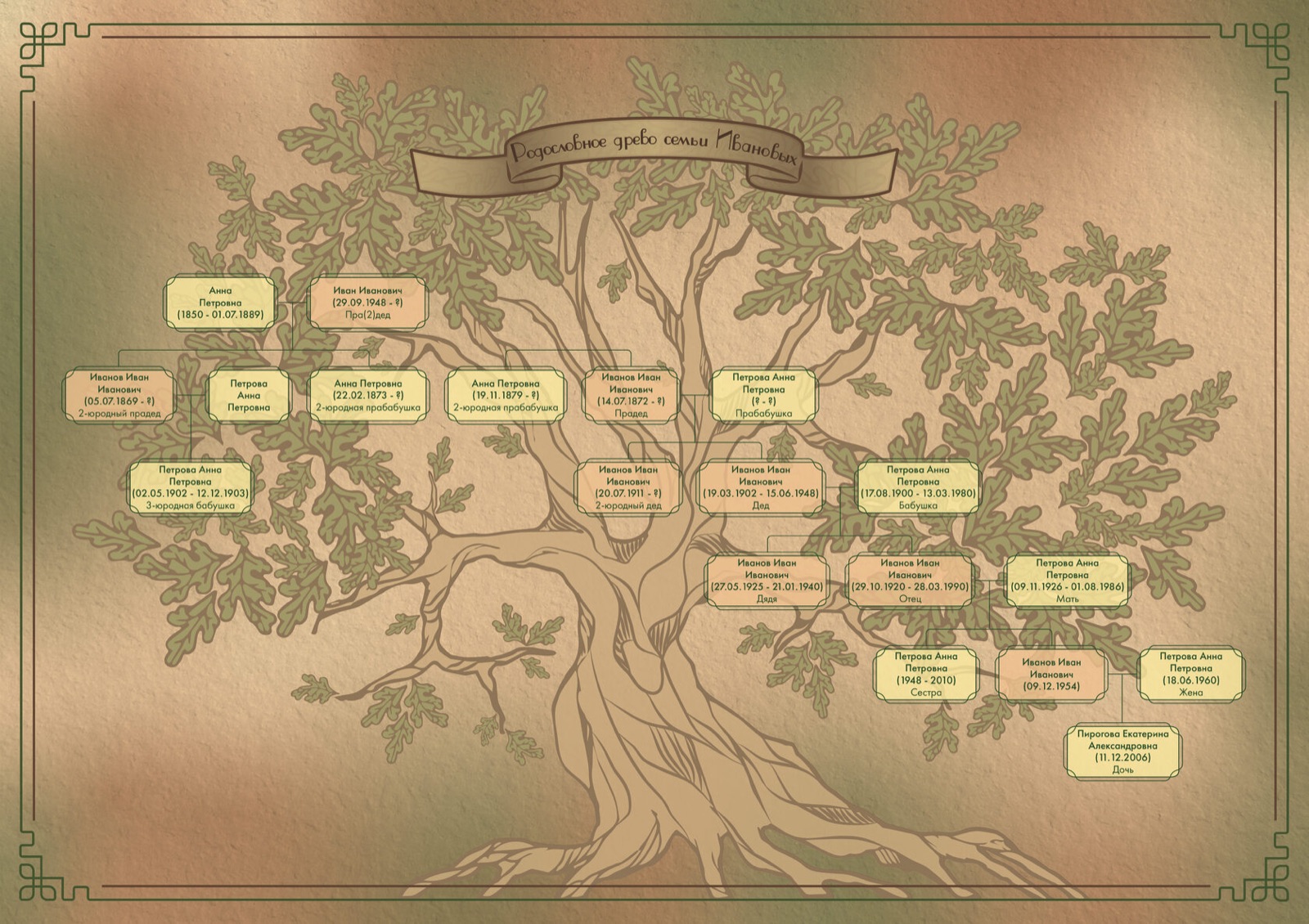
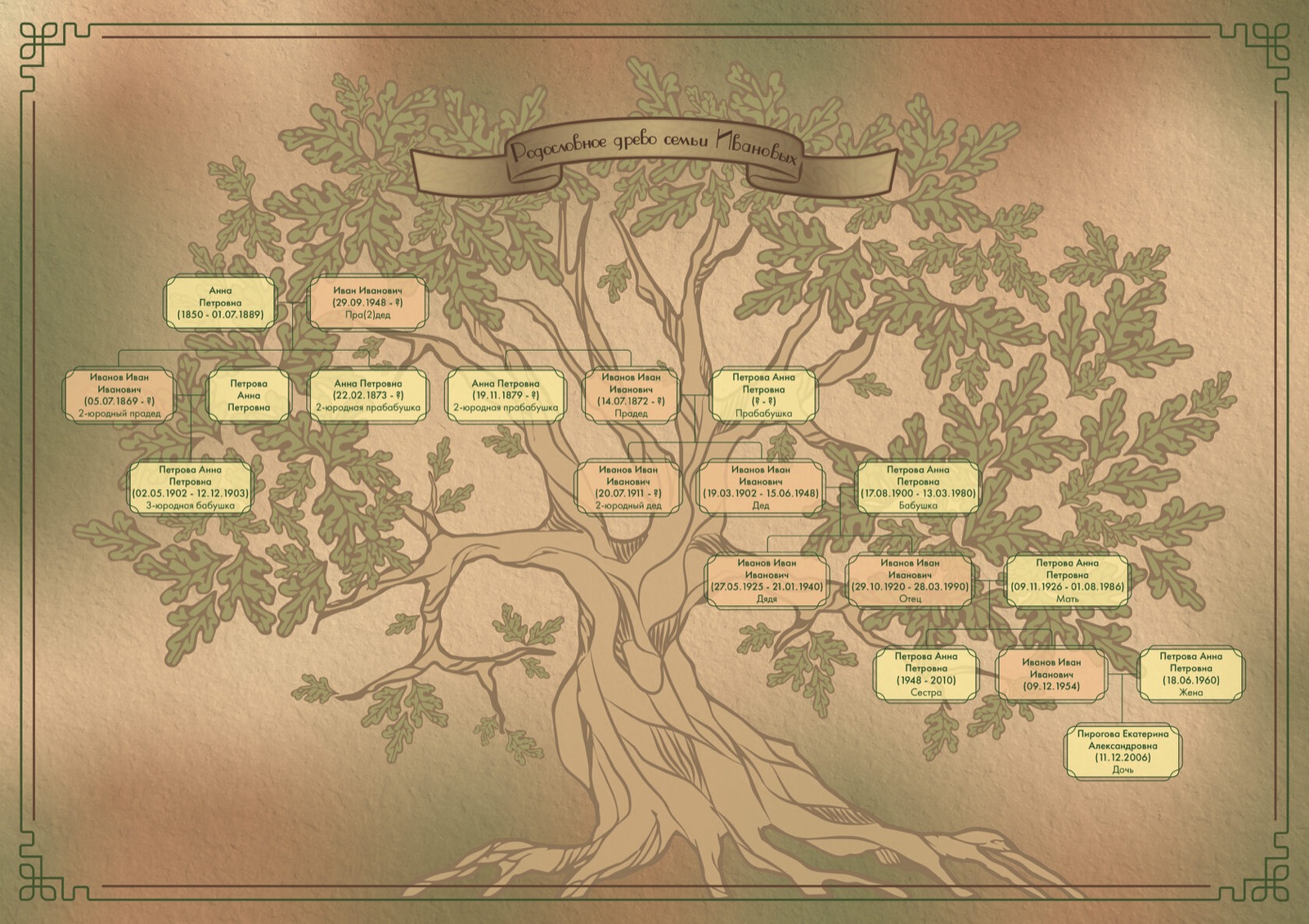
One visual form of a pedigree is the family tree. The shape depends on the type you choose — ascending or descending. A tree-shaped diagram is symbolic for a reason: descendants and ancestors are inseparably tied, and the image makes that obvious. Depending on the purpose, the root can be the oldest ancestor known to you, or yourself, with the branches reaching the other way.
Why this matters in the present
People in one family often take up similar professions across generations. That can be a household tradition, with parents preparing the child from an early age. It can also be predisposition. Genetically, some lines find some kinds of work easier and reach better results. Knowing about a heroic ancestor adds quiet confidence: their descendant is capable of something similar. Family illnesses run through the line too. Predispositions and characteristic weaknesses can be passed on. Knowing the risks helps prevent them.
The two main types of tree
Family trees are built in two main ways:
- Ascending diagram — built from a living person up to the ancestors
- Descending table — built from the earliest ancestor down to the descendants
The ascending diagram is the more natural starting point. The root is the descendant; the branches reach up through the generations of ancestors. As you collect more information, structure it as you go, fixing the links as they emerge. The ascending form was historically used:
- To prove noble origin — required for entry into the Order of Malta and for Israeli citizenship. The latter is unusual in that it traces the maternal line; most pedigrees follow the male side
- To obtain permission to marry — proof of absence of close kinship, important for any future children
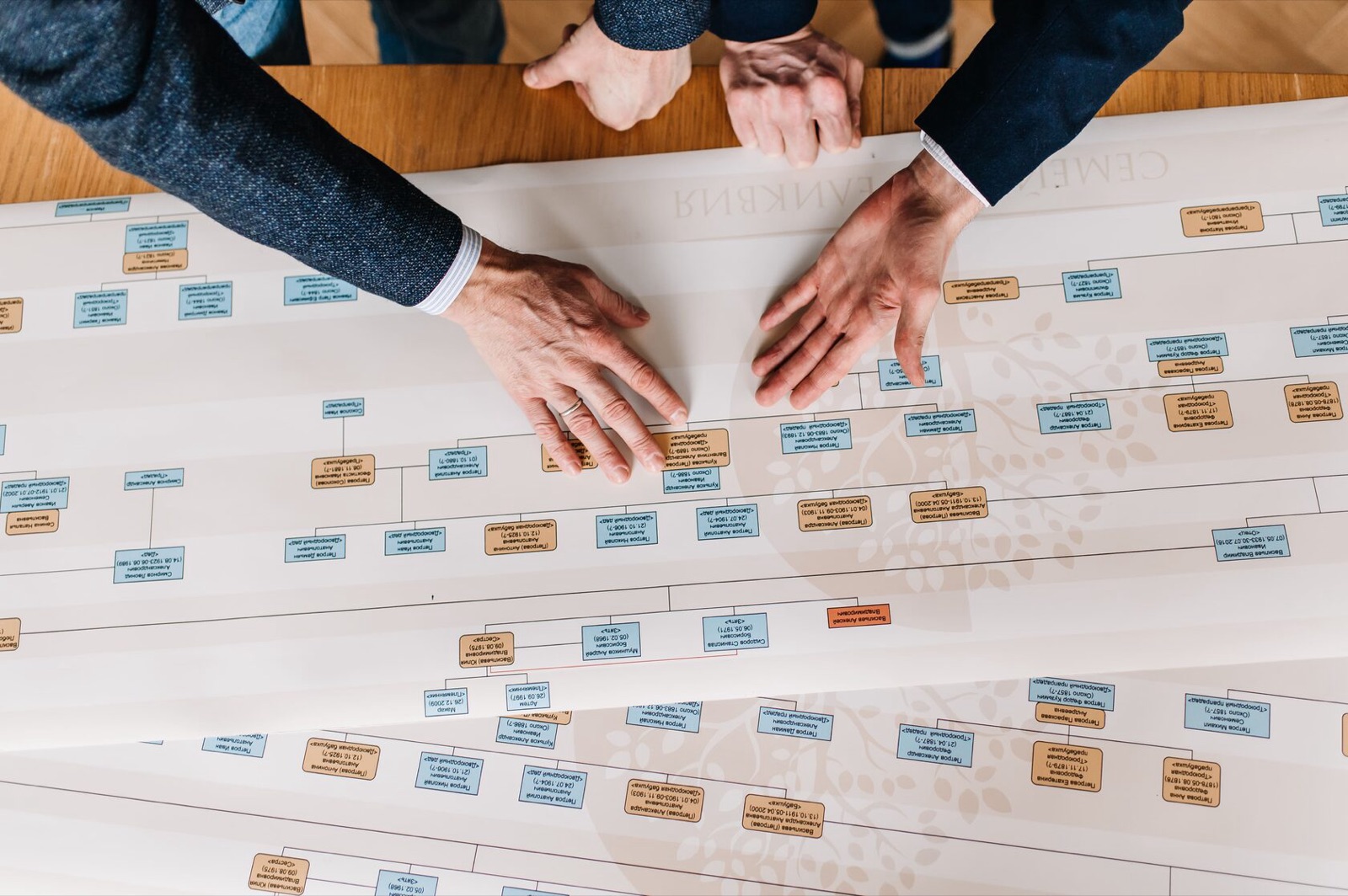
The descending table starts with the earliest ancestor and works down to descendants. The earliest ancestor sits at the top of the chart; the branches reach down. This form suits noble families, mafia dynasties and any line where the source of fame is the founder.
A note on visual layout: an ascending tree does not stop being ascending if you flip it. A tree drawn with the founder at the root and branches reaching upward to the descendants is still descending in type.
Where to find the data
Building the diagram goes in parallel with gathering the material. Do not try to do it all at once. Begin with the ascending form — put yourself in, then add what you have, and dig from there.
Sources of information
- Interviews with relatives — the more people you can bring into a relaxed conversation, the more you will learn at the start
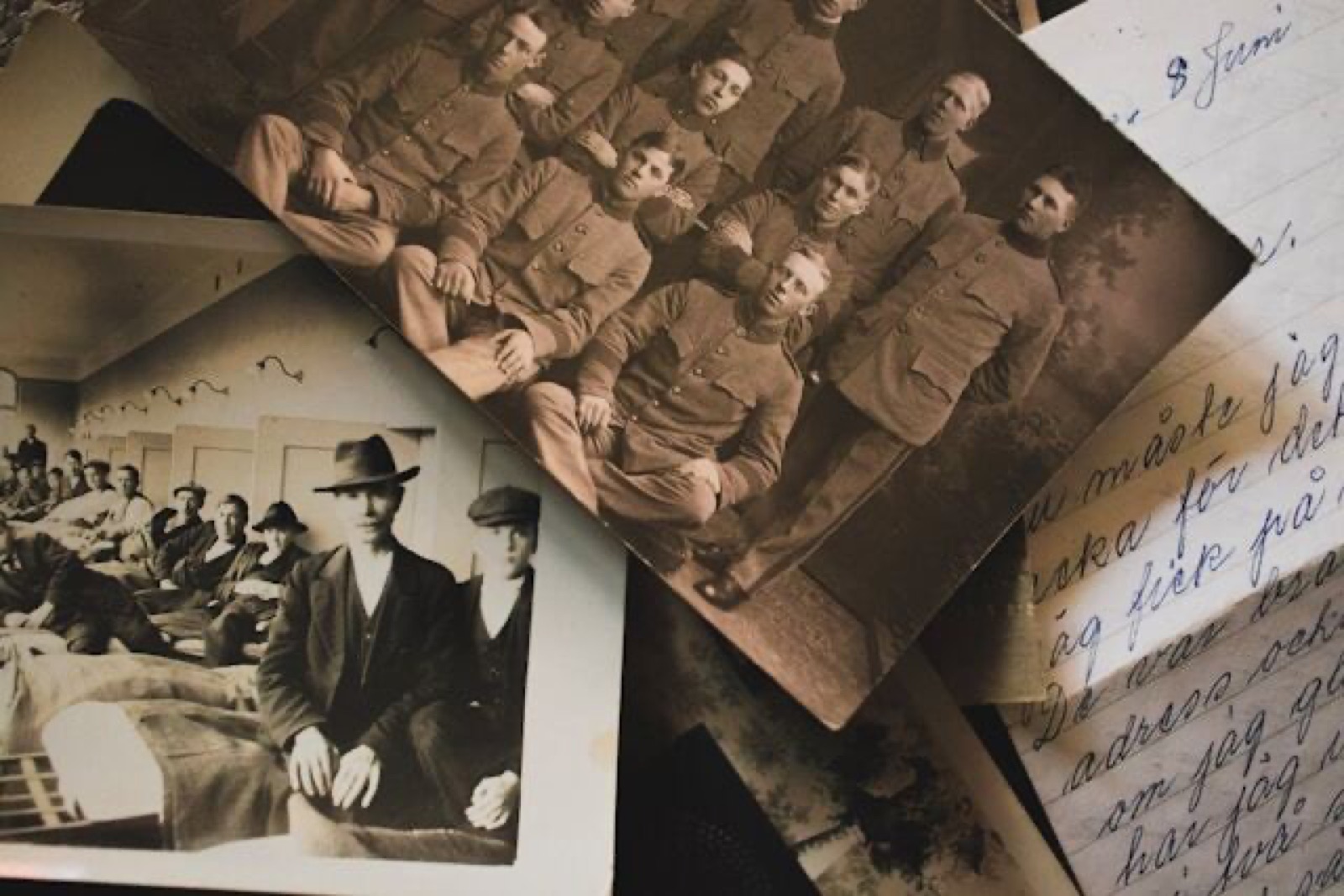
- The home archive — old documents, photographs, miscellaneous papers fill in the gaps
- The internet — searching by surname, date and place adds further detail
- Archives — state, departmental, educational and corporate archives carry the deeper story
Software for building the tree
A family tree is not made in a single sitting. Most of the work is in collecting data. To hold the data and the relationships together, dedicated software is much easier than paper. Notebooks, Word documents and Excel sheets become unmanageable quickly once new relatives appear. There are two main routes: a website or a desktop programme. Both have free and paid options. Paid services normally offer a free trial.
Online services
Online tools have an advantage beyond storage: you can also search for living relatives within the same platform.
- MyHeritage — the free tier allows up to 200 people in a tree. A subscription removes that limit. Beyond storage, the site gives access to a collection of historical records where you can find data on your ancestors. The platform now has around 59 million users; it offers different tree designs and generates statistics on common names, surnames, places and dates from the data you enter
- Rodovod (rodovid.org) — a free wiki-style project. Registration required. You can join an existing tree or build your own. Reference material on genealogical work is provided. Multi-lingual interface
- Family Space — a social network for families. Requires registration. Tree-building, shared photo albums and chat. Also offers archive search and cloud storage of documents. Access to scanned materials can be open or restricted to family
Desktop programmes
- Family Tree Builder — by the Israeli company MyHeritage. Free. Per-person data entry for biographical facts, addresses, phone numbers, photographs and documents. Trees can be printed with 30 different style options. You can also create a family site and invite relatives with different access rights, and share your tree on MyHeritage. Smartphone app available
- Drevo Zhizni (Tree of Life) — all the basics, plus automatic calculation of degrees of kinship and display on the tree. Includes a pedigree-writing module — useful preparation for a family book. Generates statistics by generation and across the whole tree. Around 900 ₽ to license; the free tier allows 40 people. Data can be saved in GEDCOM, the universal format, so you can move between programmes
- MyFamily — paid, regularly updated, intuitive interface. Saves print-ready posters in XPS; supports GEDCOM. Exchange of data with other software via export and import. All information is held in one file, easy to back up. Look and theme can be modified
- GenoPro — creates and edits the graphic representation of the family tree of ancestors and descendants. Add photographs and biographical data (place of residence, profession and so on). Supports GEDCOM. A free trial allows up to 25 people. Various report templates are generated from the tree. Available in 25 languages
The list is not exhaustive. What matters is that the tool feels comfortable, that the work is enjoyable, and that the result is a tree you actually want to look at.